

Every shot type a fashion catalog needs.
PixoKit ships these features: background replacement (3 credits), background removal (3 credits), on-model AI virtual try-on (5 credits), color variants (3 credits), AI brand model creation (10 credits), brand kit (free), and gallery & history (free). Each generated image can be pushed straight to Shopify or downloaded as a file.
Studio backgrounds without a studio.
Drop your product photo onto a fully-generated scene — concrete walls, soft daylight rooms, marble surfaces — that matches your brand mood.
- What it does
- Swaps the existing background of your product photo with an AI-generated scene that obeys your Brand Kit's lighting and color preferences.
- How it works
- Pulls the product image from your Shopify CDN, removes the background, generates a fresh scene with Flux, then composites cleanly with consistent shadows.
- When to use
- When your product photos look generic and you want editorial-grade shots without booking a studio.
- Cost
- 3 credits per image
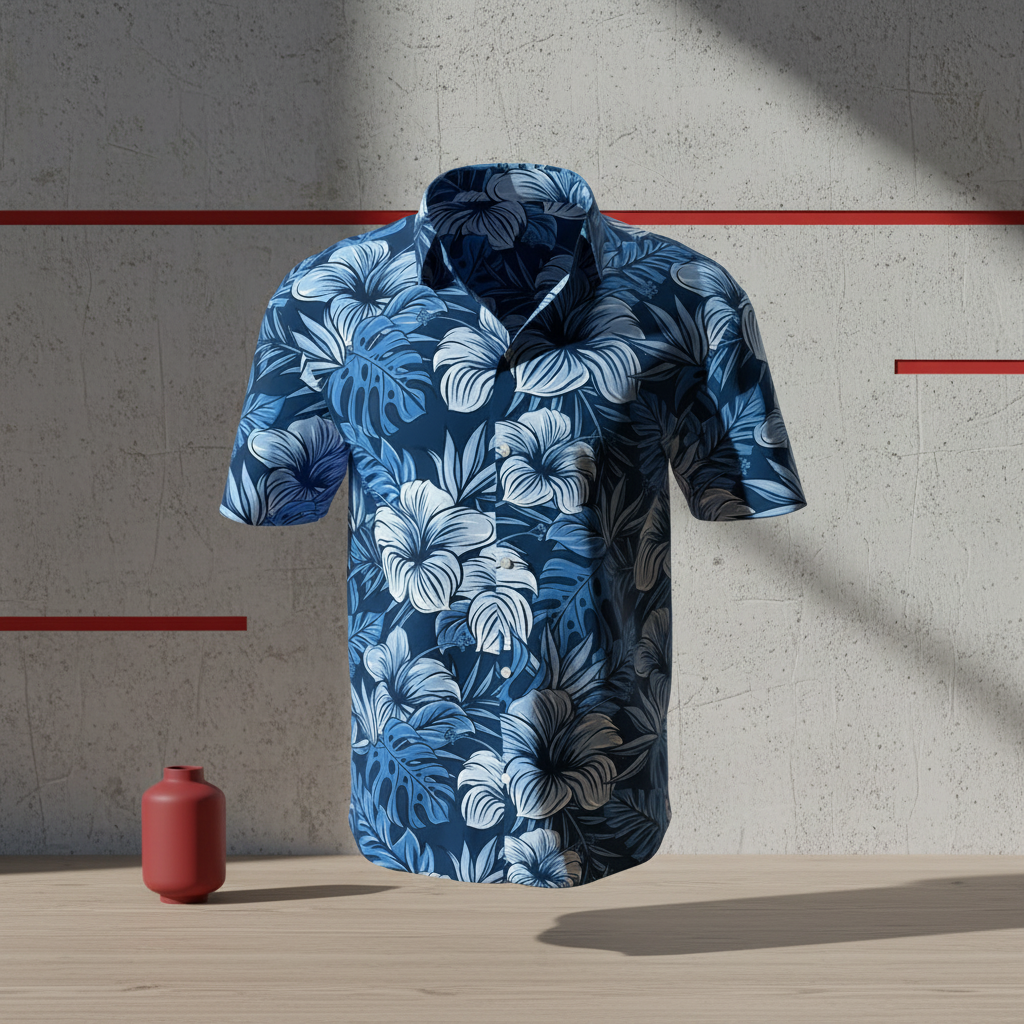 BeforeAfter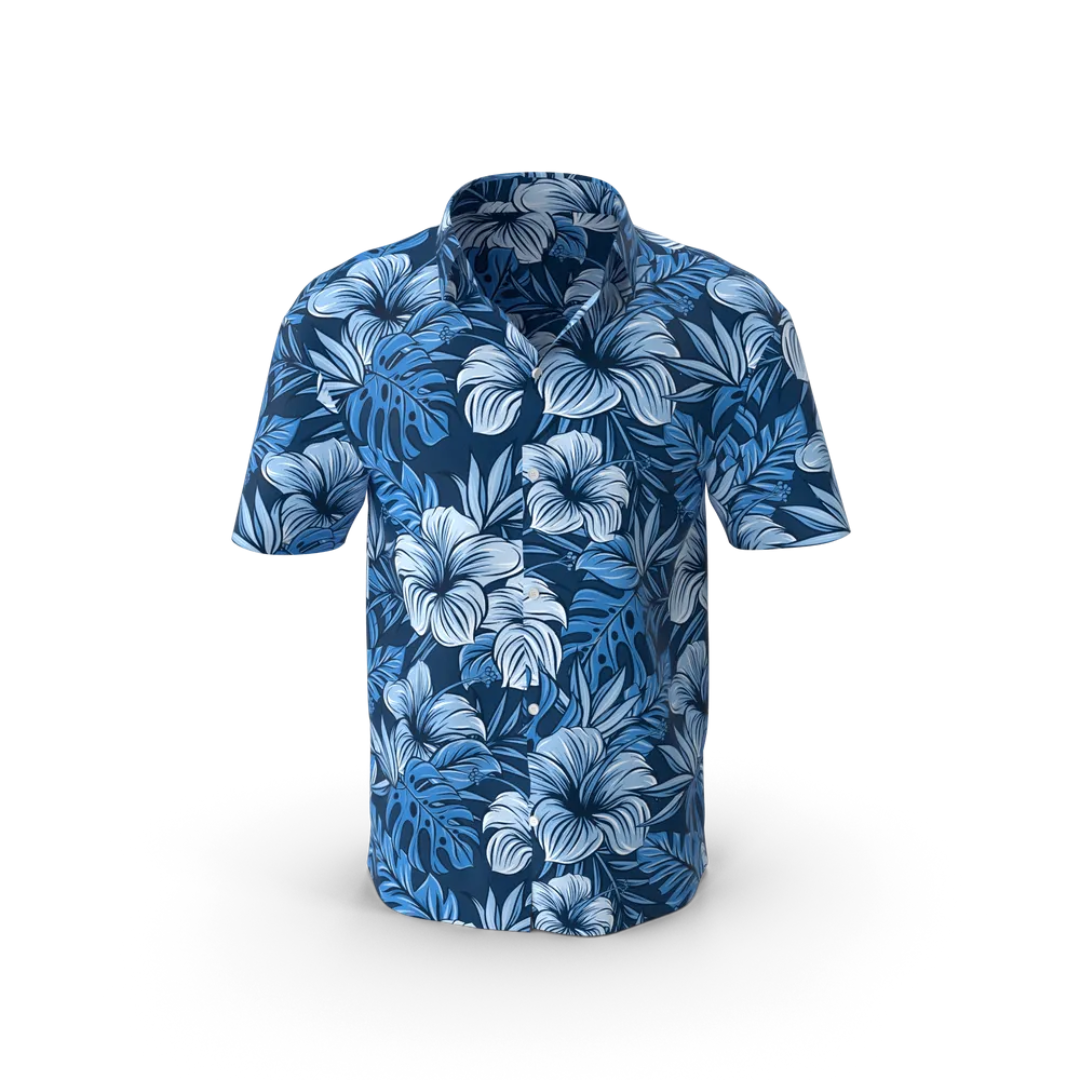
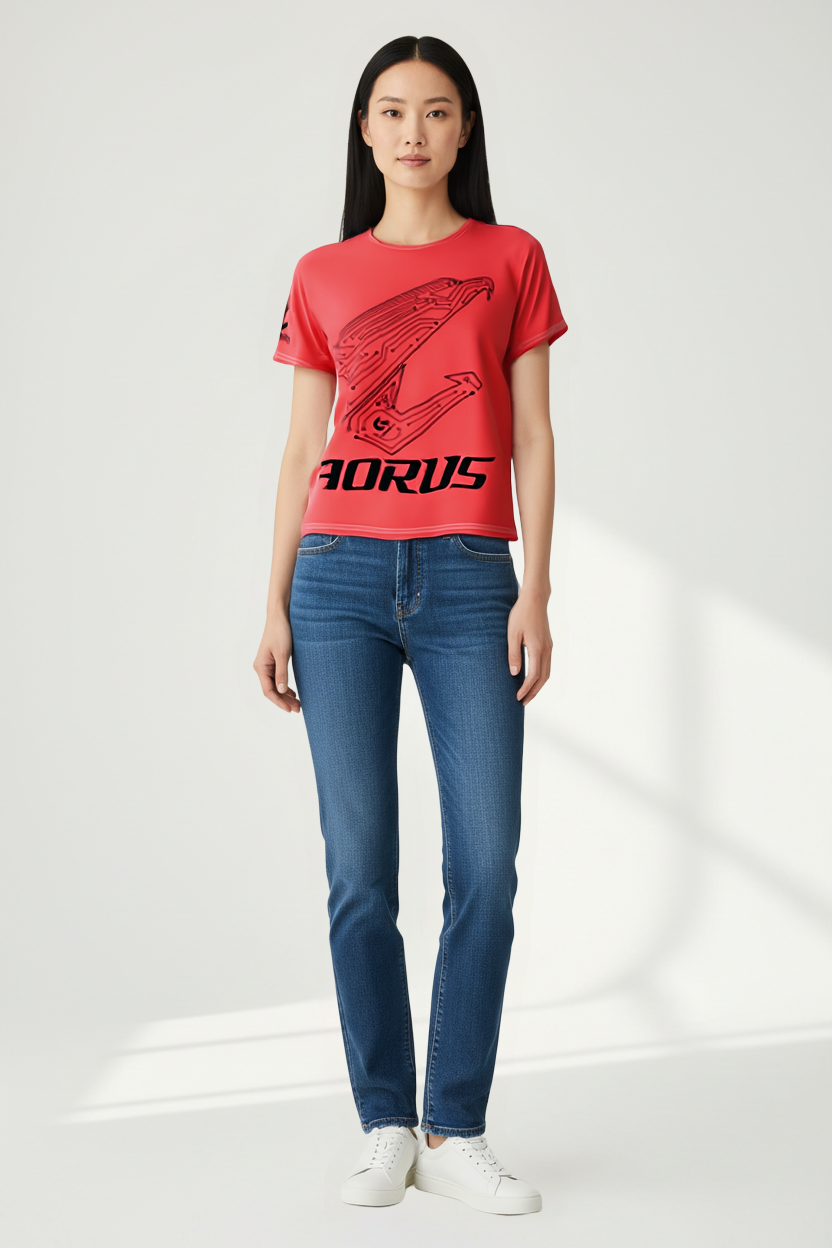
On-model photos, AI-generated.
Generate a photorealistic on-model shot — an AI-generated model, male or female, wearing your product. No casting, no shoot day, no rights negotiation. Just the shot.
- What it does
- Produces a realistic on-model photograph of your garment using diffusion and control techniques tuned for clothing fit and drape.
- How it works
- Reads the garment shape from a clean product photo or background-removed image, then renders an AI model wearing it with realistic fabric behavior.
- When to use
- When you need on-model imagery for product pages, ads, or social — without coordinating models, photographers, and studio time.
- Cost
- 5 credits per image

Every colorway, no reshoot.
Already photographed one color? Generate every other variant from the same shot. Same garment, same lighting, new color.
- What it does
- Recolors the product while preserving fabric texture, lighting, shadows, and silhouette. Outputs a new image per requested color.
- How it works
- Detects the garment region, samples your target color, and re-renders the product with the new color baked in — keeping all real-world physics intact.
- When to use
- When a single garment comes in 3+ colorways and you don't want to reshoot each one individually.
- Cost
- 3 credits per variant
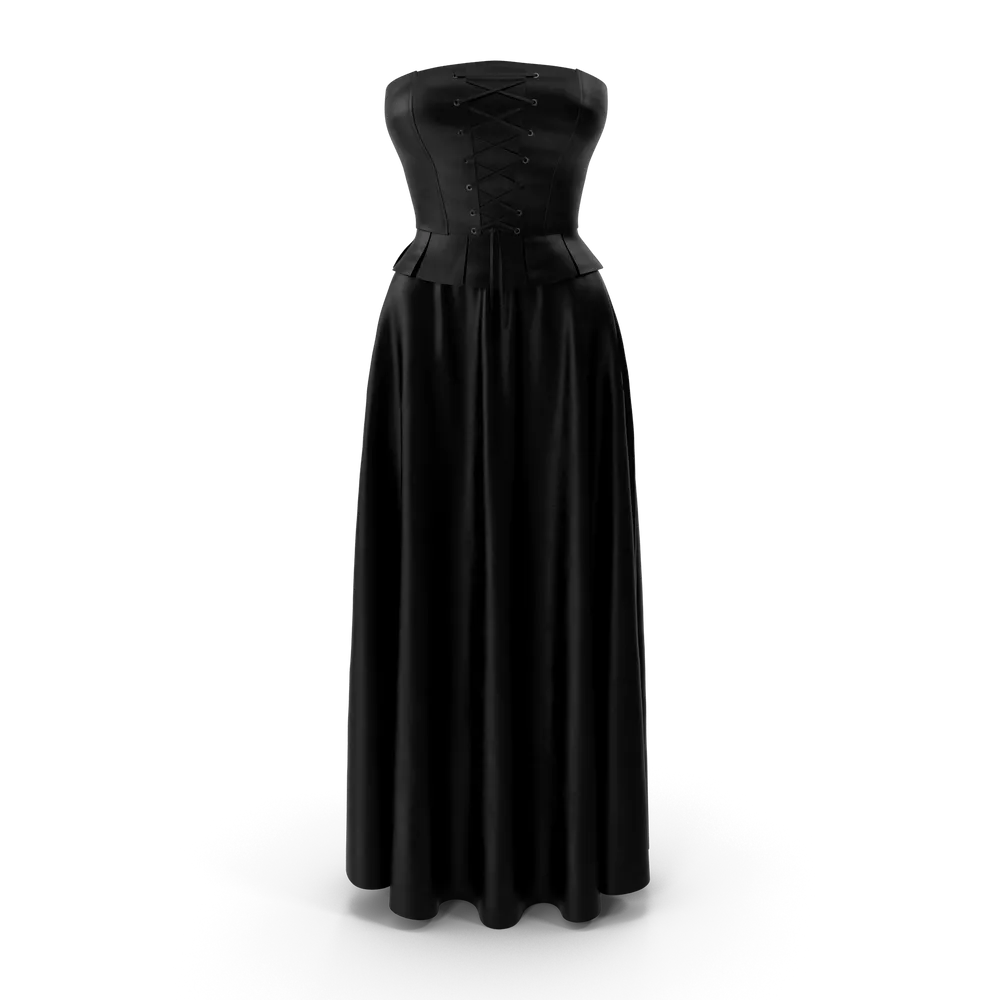
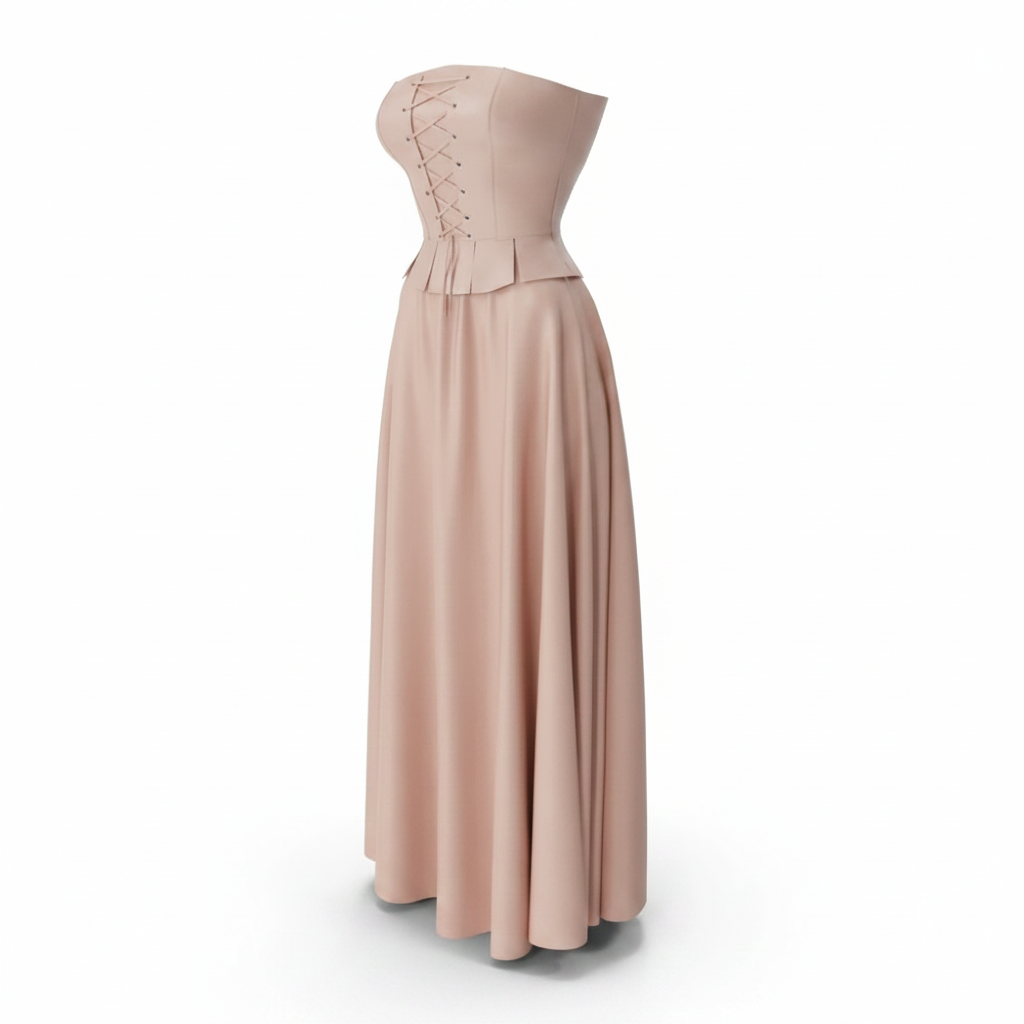

Clean cutouts in seconds.
Pixel-precise transparent PNGs of your product. Great for marketplaces, banners, lookbooks, and creative layouts.
- What it does
- Removes the background completely, returning a transparent-background PNG that preserves edge detail on hair, fabric, and accessories.
- How it works
- Uses a high-precision matting model that handles soft edges (lace, hair, mesh) much better than a simple chroma key.
- When to use
- Whenever you need a product on a custom-designed background — banners, social posts, marketplace requirements with white background.
- Cost
- 3 credits per image

Save your AI models. Reuse them forever.
Create a recurring AI model that matches your brand aesthetic, then use them across every try-on. Same face, same vibe, every shot.
- What it does
- Generates a saveable AI model with your chosen ethnicity, gender, age range, hair, and styling. Reuses across every virtual try-on.
- How it works
- Stored as a reusable model in your Model Library. Pick a model when starting a try-on; the system uses the same identity each time.
- When to use
- When you want consistent brand-faces across your catalog — the same recognizable model your customers will start to associate with you.
- Cost
- 10 credits per model (15 with face reference)

Your brand, applied automatically.
Set your colors, lighting mood, and composition rules once. Every AI generation respects them — even the parts you didn't think to specify.
- What it does
- Stores your brand preferences (color palette, lighting mood, composition rules, active theme) and applies them automatically to every generation.
- How it works
- The prompt engine reads your Brand Kit and injects it into the prompt sent to the image model. Toggle off with a checkbox if you want a one-off.
- When to use
- Always. Set it once during onboarding and forget it. Best for brands with a recognizable visual identity.
- Cost
- Free — included in every plan

Every generation, kept.
Your full history of generated images, per product. Browse it, push older versions to Shopify, or download the file.
- What it does
- Keeps every image you generate, organized by product. Filter by feature type, date, or status.
- How it works
- Each ImageJob stores the output URL. The gallery view fetches them on demand and groups them by source product.
- When to use
- When you want to compare past generations, recover an image you almost shipped, or A/B variants without re-generating.
- Cost
- Free — included in every plan

One click to your product gallery.
The generated image lands in your Shopify product's media gallery. No download, no re-upload, no broken filenames.
- What it does
- Uploads the generated image to Shopify against the source product, using Shopify's GraphQL Admin API.
- How it works
- The button on the result card calls Shopify's productCreateMedia mutation with the image URL. Done in under a second.
- When to use
- As soon as you're happy with a generation. Faster than copying the image down and back up.
- Cost
- Free — included in every plan

Download any image. Anytime.
Need the file for an ad, an email, a marketplace listing, or a print catalog? Click download and the PNG is yours.
- What it does
- Saves the generated image as a high-resolution file to your device. Works on every generation, current or historical.
- How it works
- Every result card and gallery tile has a download button. The original full-resolution file streams to your browser.
- When to use
- When you need the image outside Shopify — paid social, Amazon listings, Instagram, lookbooks, print materials.
- Cost
- Free — included in every plan

Every feature is included
on every plan.
The only thing that changes between plans is how many credits you get each month.